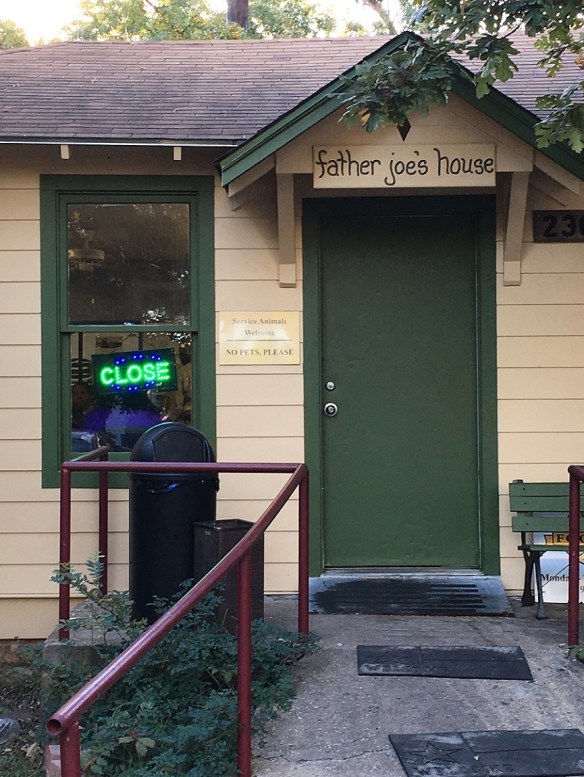
Be careful what you ask for, especially when it comes to me helping you. My friends needed some photos of a house that was for sale. I was visiting for a couple of days and, as usual, had my camera with me. Off we went to the house. I took photos, 50+. Off we went to Walgreens to print them. Only the Walgreens print computer couldn’t find any photos on the memory card from my camera. I tried it twice — because, you know, getting an error message only once isn’t enough.
That’s when I realized what the problem was. I had my camera set to store the photos as RAW and not JPEG. Oh, dear. Yes, I know I can change the setting so that the camera will save a RAW and a JPEG version, or even just JPEG. I just didn’t think about ahead of time. Of course Kay and Larry also have cameras (smaller than mine) but they didn’t take them because I had mine. No need to, right?
Insert long, sob story here.
It took Kay and me more than three hours to get the photos into a JPEG format. I’ll keep this short, but believe, me, it is a long story, much longer than what I’m telling you here. The initial problem was, of course, the RAW format. Second, the battery on Kay’s laptop was totally drained. Then her laptop wouldn’t accept her logon. We finally logged on with her husband’s ID. There were only two software programs for viewing and editing photos, neither of which we had used. One gave us hope when it said “If you want to edit this photo, make a copy and save it as a JPEG. Continue.”
Yes, that is what we wanted. Only the next step resulted in an error message saying it couldn’t read the file in order to make a copy. We tried this over and over, just to be sure it wouldn’t change its mind on, say, the 17th try.
Then we tried to other software. It would let us look at the photos, but wouldn’t let us edit them.
Somehow I managed to edit one photo and save it as JPEG. Yes! Success! Only I couldn’t find my way back to that spot. There went another 45 minutes. Finally Kay stumbled onto it. We tried editing all the photos at once, but that didn’t work. So we opened up each and every one (50+), separately, and saved them as JPEG.
That’s when I noticed that the photos seemed quite muted and grey; not at all how they looked on my camera screen. Was it the laptop monitor?
I found where I could edit the photos for color and edited one photo, changing the colors a bit and lo and behold, it looked a whole lot better. Only that meant that we had to open each and every one (50+), separately — again — and edit the colors.
And that’s what I did.
Then, off and on, the icon for preparing to safely eject an external device wouldn’t show up. We had to keep switching from her session to her husband’s session to get that done.
Off we went to Walgreens, again. It liked our new JPEG photos on a new flash drive she had. Yes! Kay submitted the order and we returned to the car to wait until the photos were ready. At the appropriate time, she went back in to pick them up while I waited in the car.
Only the Walgreens photo machine had crashed and her order wasn’t ready.
We waited some more.
Finally they were ready and she brought them out. Laughing. Because some of them were, well, pink. As in PINK!
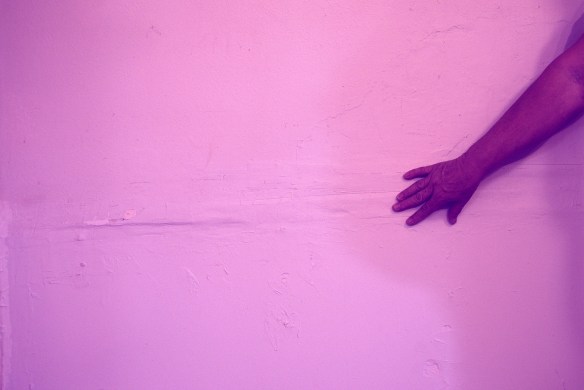
Oh. They hadn’t looked that way on her laptop monitor and they weren’t pink in real life. The wall in this photo is white. But obviously whatever edits I made resulted in their pinkness.
We decided that pink was good enough and we weren’t going to edit the photos again. Fortunately, only some of the photos were pink and only this one photo was really pink.
The moral of this story is: Be careful when you ask me to help. I always have good intentions, but my experience may not match my intentions or your needs. I’m pretty sure I won’t make this same mistake again. But just think how many other mistakes are out there with my name on them.